How does deposit protection work?
+
Connect your Stripe account once in Billing settings (free — takes 2 minutes). Then set a deposit amount per service in your Services settings — flat dollar or percentage. When the bot confirms a booking, it immediately texts the customer a Stripe payment link. They have 4 hours to pay. At 2 hours the bot sends them a reminder. At 3 hours you get a text asking if you want to manually confirm or let it cancel. At 4 hours unpaid it auto-cancels and the slot reopens. Once paid, the appointment is instantly confirmed and the customer is notified. You can waive the deposit for specific regulars from the Customers page with one click. You also choose your cancellation policy — non-refundable (default), transferable to a future booking, or refundable with a one-click refund button in your dashboard.
How does post-visit checkout and tipping work?
+
After a service, open Checkout in your dashboard, select the client, add services and any retail products, apply a discount if needed, and hit Send Invoice. The client gets a text with a Stripe payment link. On the checkout page they see the total and can choose a tip — 10%, 15%, 20%, or a custom amount. They decide privately on their phone so there's no awkward moment. When payment goes through (including the tip), you're notified and the transaction is logged. You can also mark as paid in cash with one click if they pay in person. No Stripe? You can still use a manual payment link (Venmo, PayPal, Cash App) as a fallback.
Can I sell retail products through Wexly?
+
Yes — add your retail products in Bot Settings → Products. Name, price, and set a stock quantity for each item. When you add a product to a post-visit invoice and the customer pays, the quantity automatically decrements. Set a low stock threshold and the bot texts you the moment you're running low. You can also restock by texting your own number — "added 10 Olaplex No.3" and the bot updates your inventory instantly. Great for beauty businesses, gyms, spas, or any business that sells physical products alongside services.
Can I send a text blast to a specific group of customers?
+
Yes — Pro plan includes SMS Groups. Create named groups (Elite Members, Morning Class, VIP Clients), add customers from your list, and send a targeted text blast to the whole group instantly. Perfect for Zoom meeting links, schedule changes, flash sales, or any announcement. You can also send from your phone: just text your Wexly number "Text my Elite group: Zoom call tonight at 7pm" and the bot handles it. Messages are personalized with each customer's name automatically.
Can I mark certain customers as VIPs?
+
Yes — in your Customers page, every customer has a VIP button. Mark them and the bot automatically greets them extra warmly the next time they text in: "Hey Sarah! Always so great to hear from you 😊 You're one of our favourites — what can I book for you?" You can also add a VIP note per customer to give the bot additional context about them.
Can I track where new customers are coming from?
+
Yes — enable Referral Tracking in your Automation settings. After a new customer's first booking, the bot casually asks "Quick question — did someone refer you to us, or how did you hear about us?" The answer gets saved in the appointment notes so you can see which customers are referring others and where your best leads are coming from.
Can customers let me know when they've arrived?
+
Yes — with Arrival Check-in enabled, when a customer texts "here", "arrived", or "I'm outside", you get an instant notification and the bot automatically replies letting them know someone will be right with them. Great for spas, medical offices, salons, and any business where you need to know when a client arrives. Enable it in Bot Settings → General.
What happens when a customer tries to cancel?
+
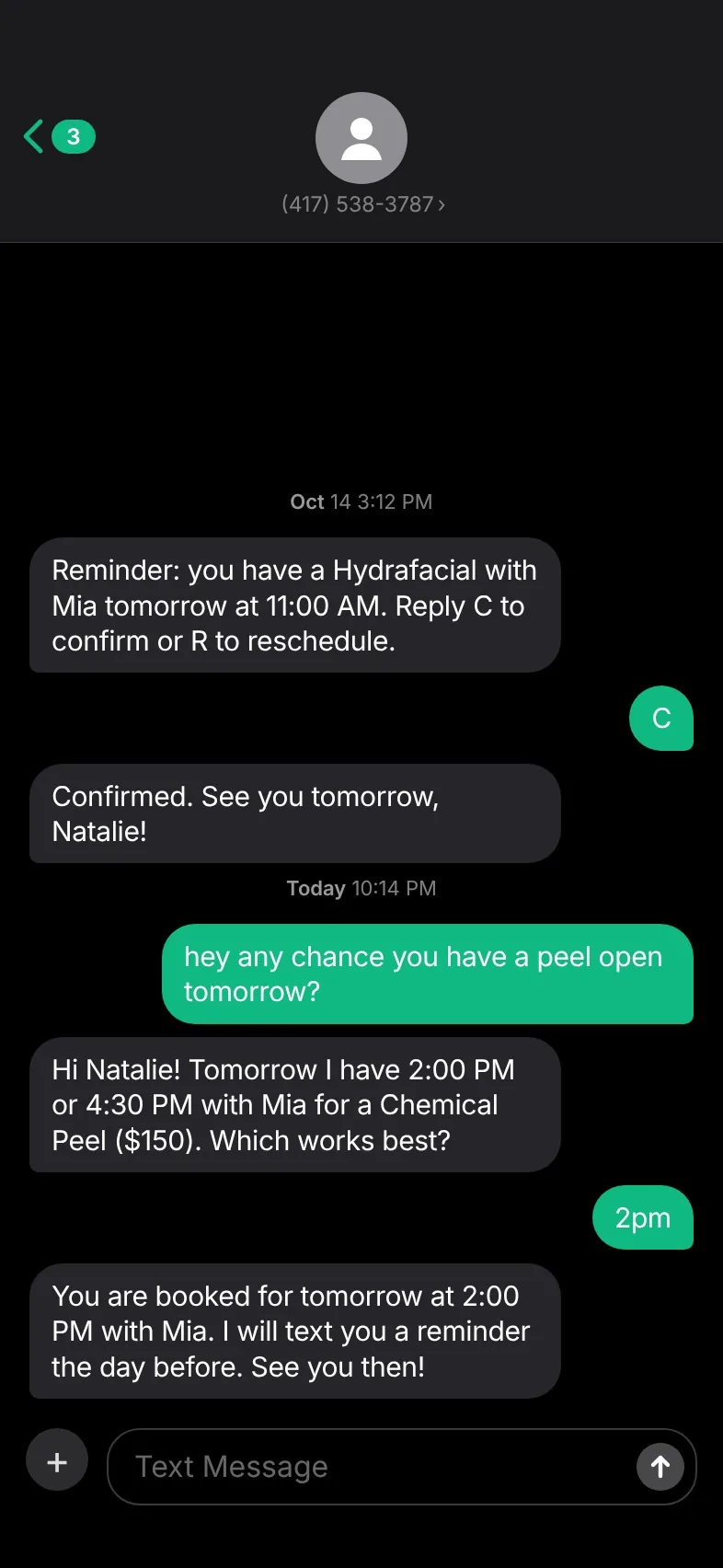
Wexly uses smart cancellation — before processing the cancel, the bot checks available slots and offers 1-2 alternatives first. "Before I cancel that — we have Thursday at 3pm open, would that work instead?" Most customers reschedule when given an easy option. Only if they confirm they want to cancel does the bot actually cancel. This alone recovers a significant number of bookings that would otherwise be lost.
Can I export intake forms to PDF?
+
Yes — on the Pro plan, every appointment has a 📄 button in your dashboard that downloads a clean PDF with the customer's name, contact info, service, appointment time, and all their intake responses. Perfect for medical offices, therapists, and law firms that need a physical record before appointments.
What happens when a customer calls and nobody answers?
+
With Missed Call to Text enabled, Wexly automatically texts the caller back within seconds — before they even think about calling somewhere else. The message introduces your receptionist and invites them to text back. From there, the booking bot handles everything normally. This feature works whether you use your Wexly number as your main line or have an existing business number with call forwarding set up. It's completely optional and takes about 2 minutes to enable in your dashboard.
Can I manage my business by texting my own number?
+
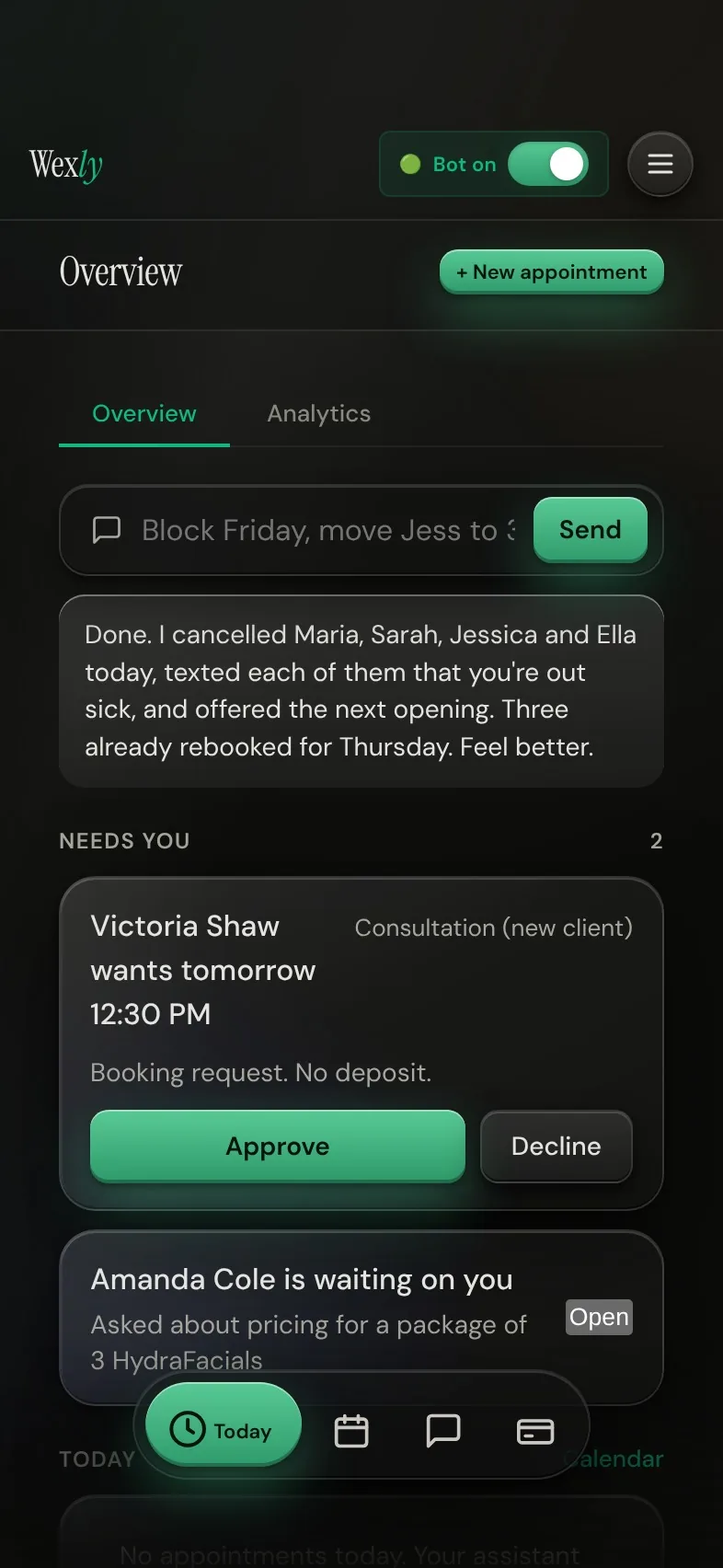
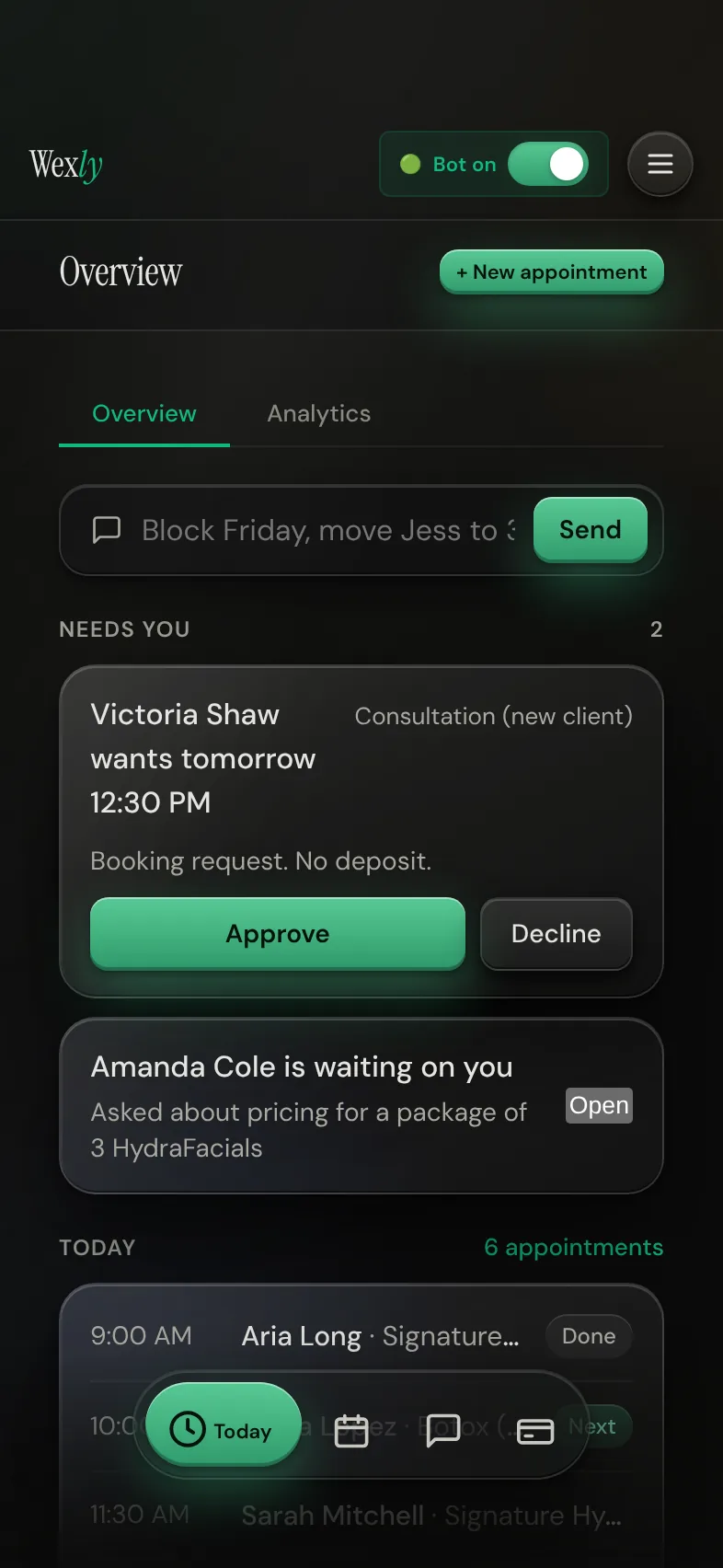
Yes — this is one of our favorite features. Text your Wexly number from your personal cell and your receptionist switches into owner mode. You can check your schedule, block dates, pause the bot, cancel appointments, or reschedule all your clients at once. If you text "I'm sick tomorrow, reschedule all my clients" the bot cancels every appointment, texts each customer individually, and rebooks them automatically as they reply. All from one text.
If I turn the bot off, can I still use it to manage my business?
+
Yes — and this is important. When you pause the bot, it goes silent for customers only. You can still text your Wexly number from your personal cell at any time to run owner commands — check your schedule, block dates, send a group message, mark no-shows, or alert customers you're running late. The bot never locks you out. Think of it as your always-on business assistant that just stops talking to customers when you tell it to.
Can the bot mention our current promotions or specials?
+
Yes — there's an "Active promotion" field in your bot settings. Type in your current deal (e.g. "20% off haircuts this week" or "Free consultation for new clients") and the bot will mention it naturally and early in every booking conversation. It's smart about it — it won't bring it up if someone is just cancelling or checking hours, but it will always mention it when a customer is asking about services or prices. When the promotion ends, just clear the field.
Does it actually sound human, or obviously like a bot?
+
Wexly is built on Claude, from Anthropic, and sounds remarkably natural. It handles context, follows the conversation, and responds the way a real receptionist would. Most customers don't realize they're texting a bot. Try the demo above and see for yourself.
I'm a consultant — will the bot tell customers to come to a physical location?
+
No. During setup you choose your location type — physical, virtual, or mobile. If you're virtual, the bot knows never to mention an address or ask customers to come in. Instead it handles bookings online and includes your video link (Zoom, Google Meet, etc.) in every confirmation. If you're mobile and travel to customers, the bot asks for their address at the time of booking. The right context is baked into every conversation automatically.
What happens when a customer needs to speak to a real person?
+
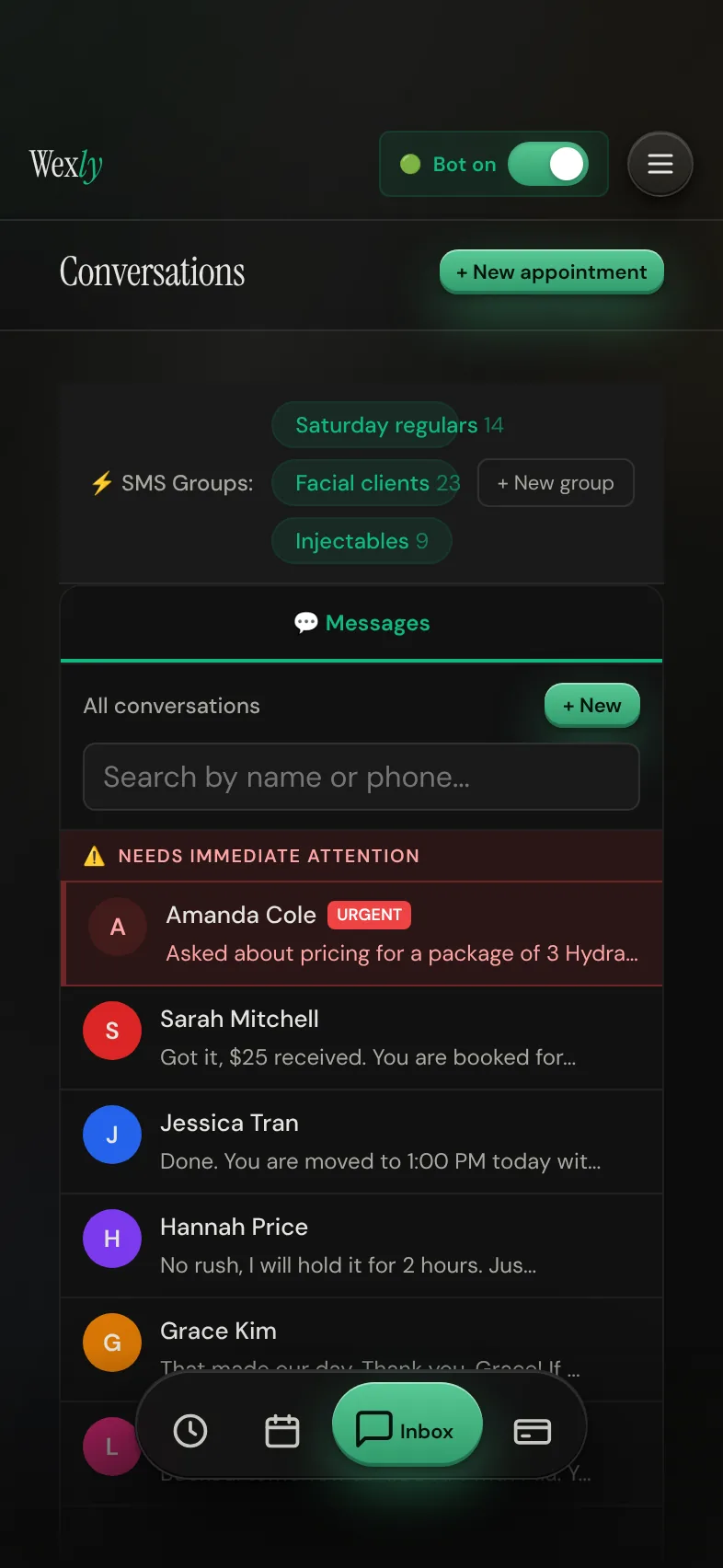
Wexly automatically detects escalation triggers — "I need to speak to someone", "I have a complaint", "this is urgent", "I want a refund", and more. When it detects one, the bot sends the customer a message letting them know a team member will be in touch shortly, then goes silent. It flags the conversation as "Needs Immediate Attention" in your dashboard and sends you an alert via email AND text. You take over from there.
Can I jump in and take over a conversation?
+
Absolutely — that's what Manual Mode is for. From your dashboard, open any conversation and click "Take over". The bot immediately goes silent and you handle it personally. When you're done, hand it back to the bot with one click and it resumes automatically.
How does the bot learn about my business?
+
After you sign up, Wexly sends you a quick 7-question SMS interview. You answer via text in about 2 minutes — your business description, vibe, what makes you unique, location details, busy times, any restrictions, and common customer questions. Those answers go directly into the bot's knowledge base. Services, pricing, hours, and deposits are all set in your dashboard — the interview focuses on the personality and context only you know. You can re-run the interview anytime from Bot Settings.
I already use another booking system. Does Wexly replace it?
+
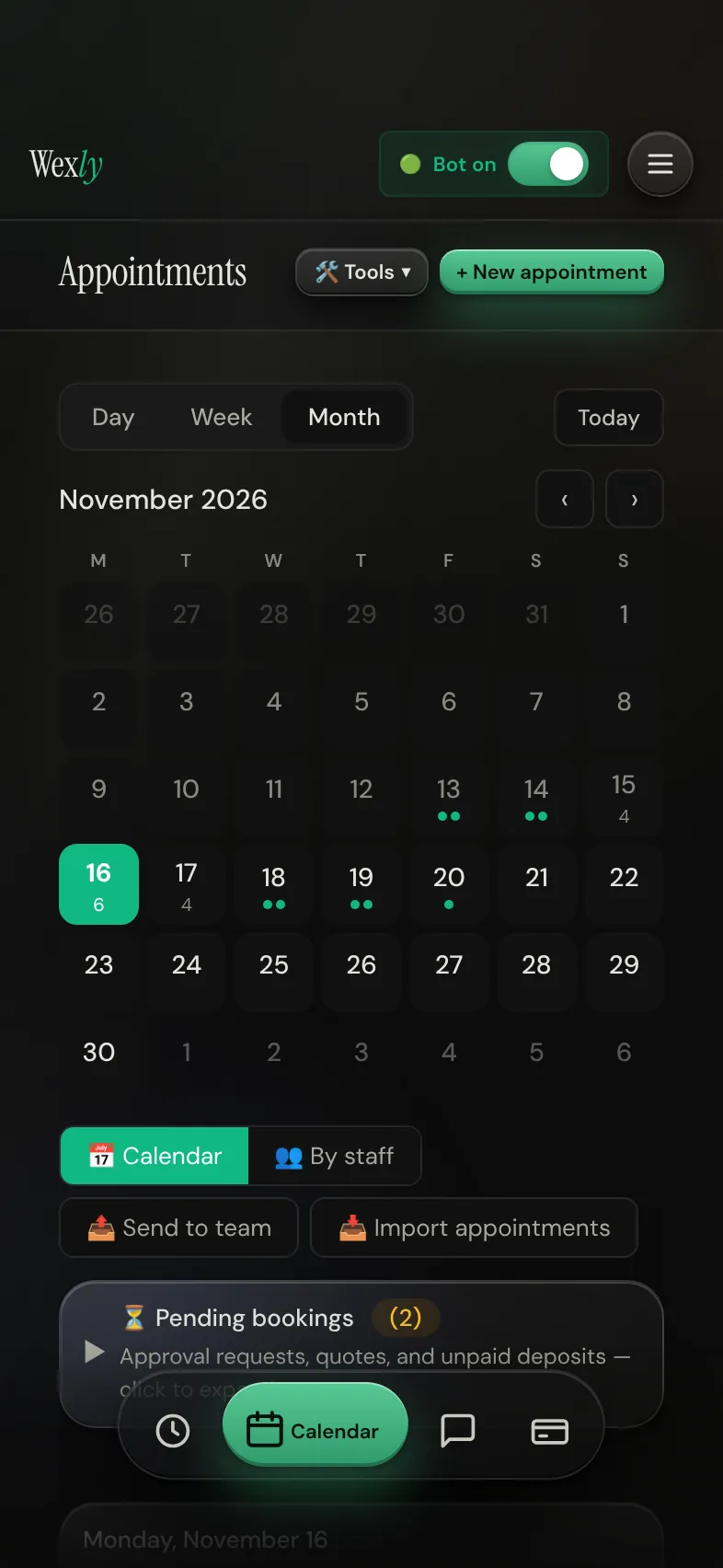
Yes — Wexly replaces your booking system, but the transition is seamless. We support direct imports from Google Calendar, Apple Calendar, Acuity, Square, Vagaro, Mindbody, Fresha, Calendly, and more. Your existing customers, appointments, and history come with you. Once imported, your bot already knows your customers by name before they even text for the first time. Most businesses are fully switched over in under 10 minutes and never look back — Wexly does everything your old system did, plus handles all the customer communication automatically.
What if I run a restaurant or consulting business — not a traditional service business?
+
Wexly works for any business that takes appointments. Restaurants set up "appointment types" like reservations by party size. Consultants set up discovery calls and strategy sessions. The bot handles the conversation naturally and books the right slot. If customers text to schedule time with you, Wexly handles it.
How do customers find my Wexly number?
+
Your dashboard includes everything you need: a QR code for your front door and register, a one-line embed code for your website ("Book via text" button), instructions for adding it to your Google Business listing, and pre-written social media captions. Most businesses see texts within the first 24 hours of sharing their number.
Will I get notified when someone books?
+
Yes — every time the bot books an appointment you get an email with the customer's name, phone, service, date and time. If you add your personal cell in settings, you also get an instant SMS notification. For urgent situations, the alert is marked separately so you see it immediately.
How long does setup take?
+
About 10 minutes total. Sign up, enter your business info, complete the payment, and follow the 10-step Get Started guide in your dashboard. The guide walks you through everything — setup interview, services, hours, QR code, website widget, and testing. Most people are live and sharing their number the same day.
What does each plan include?
+
Every plan gets a dedicated text number, unlimited conversations, the booking receptionist, confirmations and reminders, missed call to text, deposits, checkout and tips (Stripe or Zelle, Venmo, Cash App), booking approval and quotes, owner commands by text, calendar import, your booking page, QR code and website widget, manual mode and escalation alerts.
Standard adds rebooking reminders, cancellation recovery, waitlist, review requests, promotions, service bundles, VIP tags and deposit waivers, up to 10 staff with schedules, daily digest, recurring appointments, birthday messages, post-booking instructions, group and class booking, products, and 2 email campaigns a month.
Pro adds unlimited staff, unlimited email campaigns, SMS campaigns and groups, custom follow-up sequences and automations, abandoned-booking and quote follow-ups, pre-qualification, intake forms with PDF export, smart per-service rebooking, multi-location and advanced notification controls. No per-message fees on any plan.
Does Wexly automatically try to rebook customers who cancel?
+
Yes — with Cancellation Recovery enabled, when a customer cancels the bot automatically follows up 24 hours later with a friendly message offering to rebook. And with Rebooking Reminders, the bot texts customers when it's time to come back based on the interval you set — whether that's 4 weeks, 6 weeks, or 6 months. Pro plan adds smart per-service intervals so a haircut reminder fires at 6 weeks while a dental cleaning fires at 6 months automatically.
Does Wexly send birthday messages to customers?
+
Yes — enable Birthday Messages in your automation settings and the bot asks customers for their birthday when they book. On their birthday every year, it automatically sends them a personal text — with an optional discount or offer if you want. Completely hands-off once it's set up. Customers love it and it drives loyalty and rebookings.
Can I use Wexly across multiple locations?
+
Yes — add locations from your dashboard under Bot Settings → Locations. Each location gets its own SMS number, bot, and settings. When you add a new location you can copy all your settings — hours, services, bot personality, automation — so you're not starting from scratch. Switch between locations from one login. Each additional location is billed at your current plan rate per location.
What if I'm running late? Can I notify my customers?
+
Yes — just text your Wexly number from your personal cell: "Running 15 minutes late." The bot automatically texts all your remaining customers for the day letting them know. You don't have to text each one individually. It's one of many things you can do through owner mode — check your schedule, block dates, pause the bot, reschedule all clients when you're sick — all by text.
What happens during the free trial?
+
Your card is saved securely but never charged during the 14-day trial. You get full access to everything — real SMS number, real conversations, full dashboard. If you cancel before day 14, you pay nothing. After day 14, billing starts at your chosen plan rate ($79, $149, or $199/mo). No fine print.
Yes — no contracts, no cancellation fees. Cancel anytime from your dashboard in one click through Stripe's secure portal. If you cancel during your trial, you're not charged at all. If you cancel after, your bot stays active until the end of your current billing period.